Editing Images
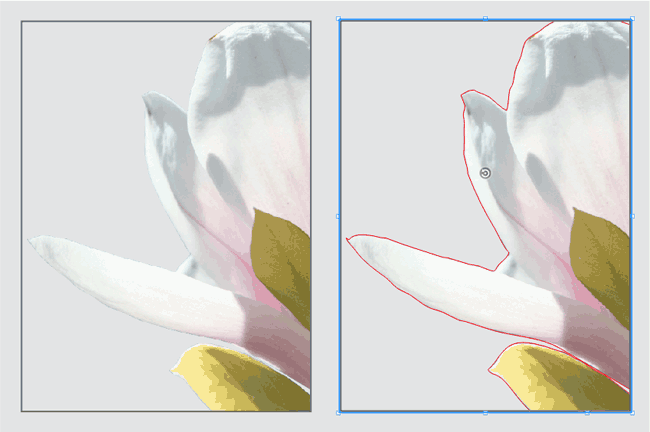
Convert images to other image formats and color spaces directly in VivaDesigner without additional image editing, or add other color profiles to existing images. Use these settings to create new images or replace images that have already been placed. Optimize images with automatic cropping or normalize their resolution.
Canto Cumulus DAM / SixOMC DAM
Use the optional add-on module to connect directly from VivaDesigner to Canto Cumulus or SixOMC. Search for images in Canto Cumulus or SixOMC directly in VivaDesigner and place images directly in the layout.
Canto Cumulus DAM
Use the optional add-on module to connect directly to Canto Cumulus from within VivaDesigner. Search for images in Canto Cumulus directly in VivaDesigner and place images directly in the layout.
SixOMC DAM
Use the optional add-on module to connect directly from VivaDesigner to SixOMC. Search directly in VivaDesigner for images in SixOMC and place images directly in the layout.
BMP-, WMF-, EMF-Import
Import images in BMP, WMF, and EMF formats. The support of these image formats, which should not be used in the publishing area, have been implemented as a matter of priority to ensure greater compatibility when importing documents from other programs.