Until now, missing fonts were displayed on opening the document, in the Font Usage and in the Module palette. In Version 8, missing fonts are now displayed visually in the layout with a pink background.
Visualize Missing Fonts
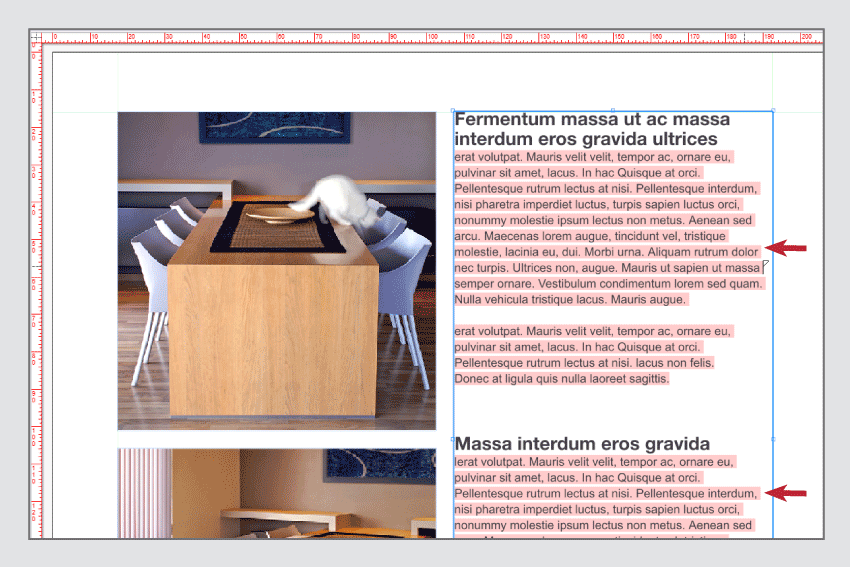

Until now, missing fonts were displayed on opening the document, in the Font Usage and in the Module palette. In Version 8, missing fonts are now displayed visually in the layout with a pink background.
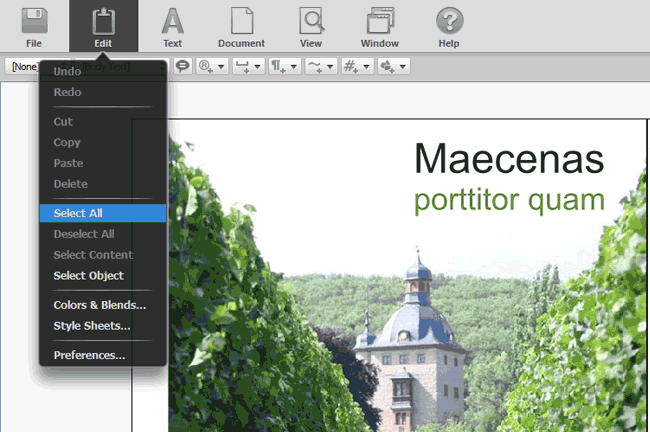
The new neutral interface design was developed for editing documents in the Web , but can also be used on the desktop. Its basis is that users don’t want to see any design of a desktop program in the browser. With the new platform neutral design, a seamless integration of VivaDesigner in a Web application is even optically possible.
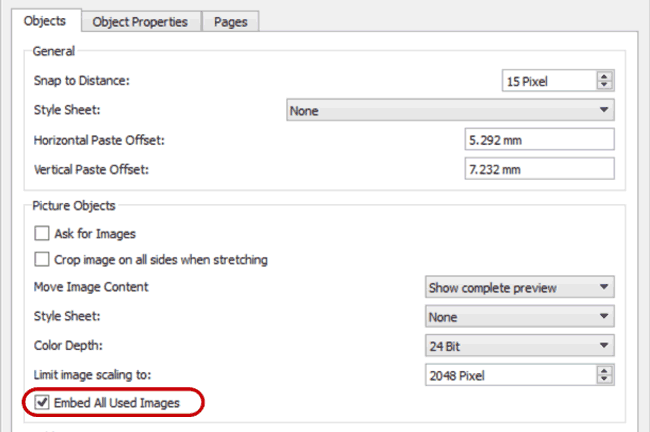
As default, VivaDesigner only saves a preview of the images used in the document. With the option “Embed all Used Images”, the high-res data of all the images used is also saved in the document.
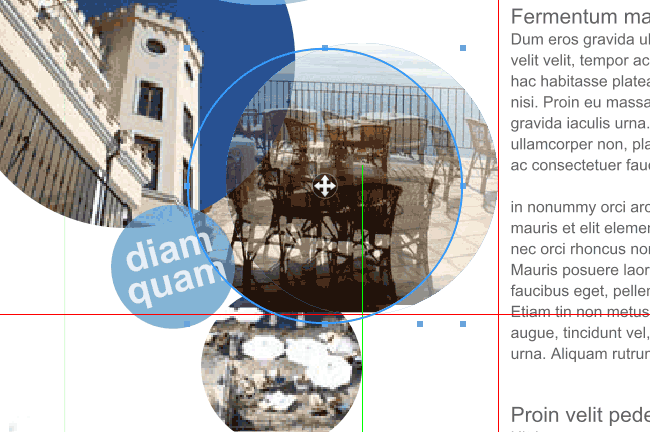
Smart Guides were originally developed for CAD programs and enable fast alignment of objects to objects on the same page or facing page. In many cases you save yourself the necessity of creating guide lines or guide objects by using Smart Guides.
You can open documents created with the layout program “Adobe InDesign” (hereinafter referred to as “InDesign”) directly in the program.
Please read the section “Opening Abobe InDesign documents” in the manual.
The following InDesign formats are supported:
| Format | Designation | Brief description |
| INDD | InDesign Document | The native standard document format for Adobe InDesign. Contains layout, text, images, styles, and metadata. The format can be opened directly in the program via File > Open. |
| IDML | InDesign Markup Language | XML-based exchange format. Used for version compatibility (older versions of InDesign). The format can be opened directly in the program via File > Open. |
| INDT | InDesign Template | Template file for InDesign. Contains predefined layouts and styles that can be used as a starting point for new documents. The format can be opened directly in the program via File > Open. |
| IDMS | InDesign Snippet | Individual layout elements or objects (e.g., text or image frames, groups) can be saved as snippets and inserted into other documents. The format can be inserted into document pages directly in the program via File > Import. |
| ICML | InCopy Markup Language | XML-based exchange format for Adobe InCopy. Used to allow editors to edit text independently of the layout. The format can be imported directly into text objects in the program via File > Import. |
| ZIP | Zigzag Inline Package | ZIP archives are not an InDesign format, but a general compression format. You can save an InDesign document (e.g., in INDD or IDML format) together with images and fonts as a ZIP file. The format can be opened directly in the program via File > Open (including resources). Please note the information in the section “Opening ZIP archives”. |
To do this, the program converts the document into its own format so that they are saved in their own format when you save them. Depending on the edition, the program can also export documents in InDesign format. Please refer to the corresponding section Export InDesign document.
With the additional module »Distributed Publishing«, you can define access rights that limit the editing
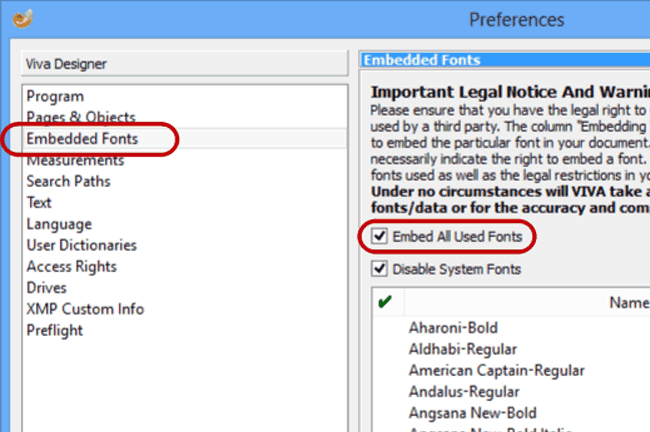
A huge problem in the exchange of documents is the distribution and handling of fonts:
With VivaDesigner, all these problems may be solved with a mouse click by automatically embedding all the fonts used in the document.
VivaDesigner was specially developed for the creation of multilingual documents and international document exchange:
1. Editing of ALL languages AND writing directions in one single uniform application and document format (incl. Arabic, Hebrew, Chinese, Japanese, Korean).
2.Multilingual user interface in about 20 languages, which can be switched on the fly.
3. Standard colors and Style Sheets are optionally translated automatically according to the selected language. In this way, just one single document can be passed to users with different languages for editing. With this technology, companies, agencies, printers or service providers can create document “templates” that are understood immediately in every country.
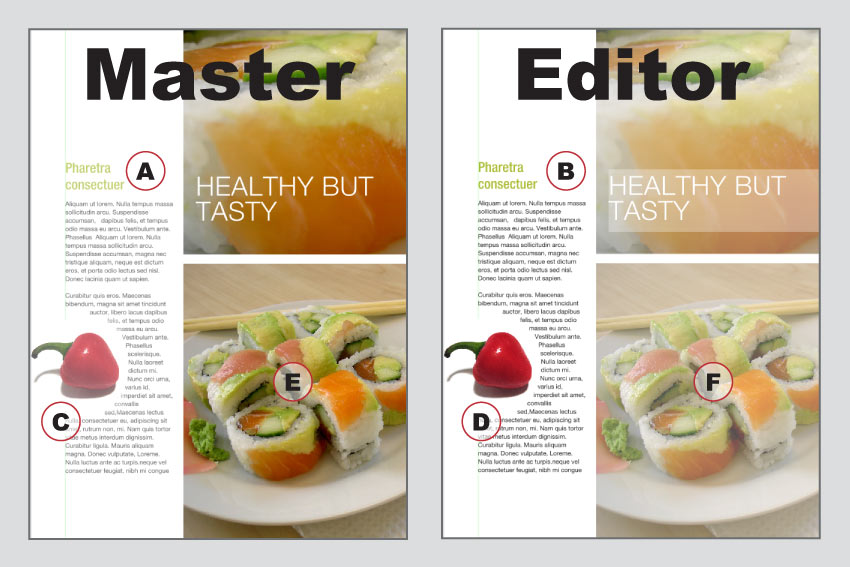
With the “Team Publishing” module, VivaDesigner can be extended with task functions as in an editing system.
With the “Team Publishing” module, editing systems may be created simply and quickly in which several people work simultaneously on one document. In the development of the module, the requirements of both larger and smaller publishers were considered.
Benefits overview:
|
|
|
|
|
|
|
|
|
The module is therefore not only suited for editors in the production of magazines or newspapers, but also for corporate publications where several users work on different sections. Designers can work in parallel to change the design, while the users fill the frame with images or text. Like all modules, “Team Publishing” too can be applied in the Desktop and Web versions.