VivaDesigner enables fonts to be embedded in the document. In VivaDesigner 8, all the system fonts can also be deactivated. In this way you can ensure that the user can only use the fonts that are embedded in the document.
Deactivate System Fonts
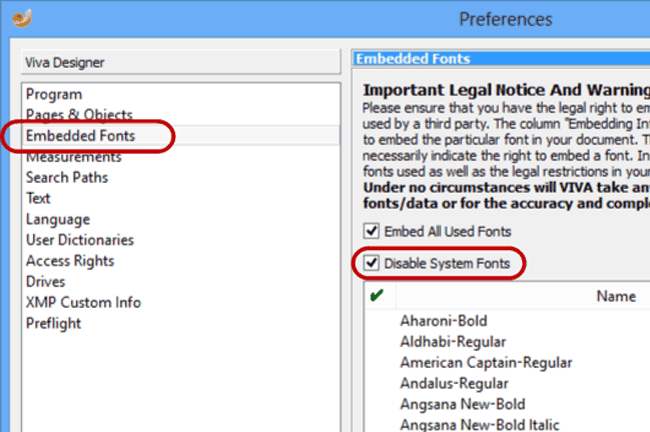

VivaDesigner enables fonts to be embedded in the document. In VivaDesigner 8, all the system fonts can also be deactivated. In this way you can ensure that the user can only use the fonts that are embedded in the document.
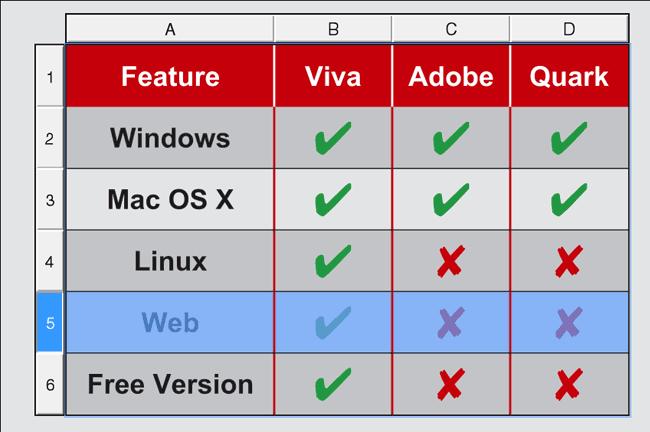
With style sheets for tables, you can define the graphic appearance of a table as well as single columns, rows, cells and separator lines with a keystroke. At the same time you can define header and footer rows as well as alternating rows and columns. Table cells can contain text, images, graphic objects or additional tables.
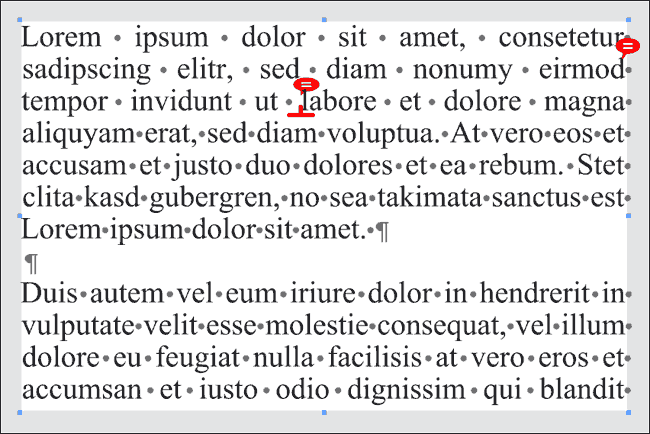
With notes you can store non-printable information and tips for other users in text and objects. As with change tracking, this option is suited for users who work in a team, or for users who only want to create a report protocol of their work.
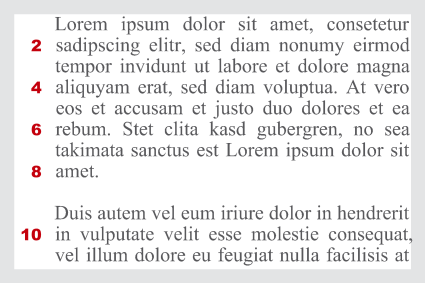
With the Line Counter you activate a non-printable numbering of the text lines for a better text control. The color, font, size and position (left or right) can be determined, as well as the range (e.g. leave every second line blank) and the restart (text column, new chapter, etc)
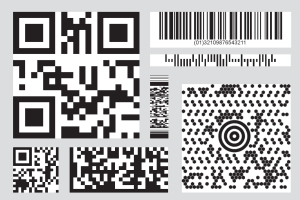
Create over 30 different bar codes in VivaDesigner without any additional software. The list includes such popular codes as QR Code, Micro QR Code, Data Matrix, EAN, UPC, ISBN, Pharmacode, Code One, Codebar, Databar and many codes from post office companies such as Deutsche Post, Australia Post, Royal Mail, Dutch Post and much more.
If you create layouts in color that will later be printed on monochrome, it is often hard to imagine the effect of the layout. With the new option “Grayscale View” you can simulate this effect directly on your screen.
With the new SVG import you can convert SVG files in native objects that you can edit and change. In combination with the SVG export you can even exchange objects and paths with other illustration programs that support this format.
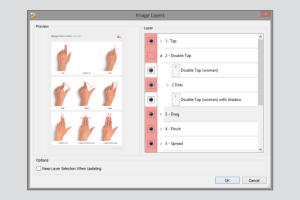
Import images in the native PSD format or, for very large images, in PSB format, and use the image layers option to switch individual components on and off.
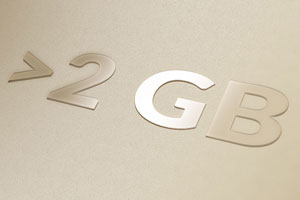
The limitation of the layout file size to 2 Gigabyte has been removed. This is particularly relevant to the embedding of large amounts of data for images, as you will find in a photo book application.
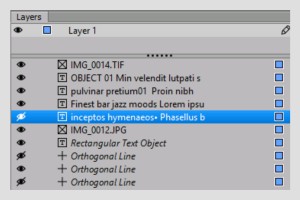
With version 9.5 you can not only switch complete layers on and off, but also individual objects on these layers.